RechargeSnap
Your next recharge.
Less typing.
Turn the digits on a recharge voucher into a code you can review and use on your phone.
Screens show the upcoming Android update. Features and availability vary by platform and version.
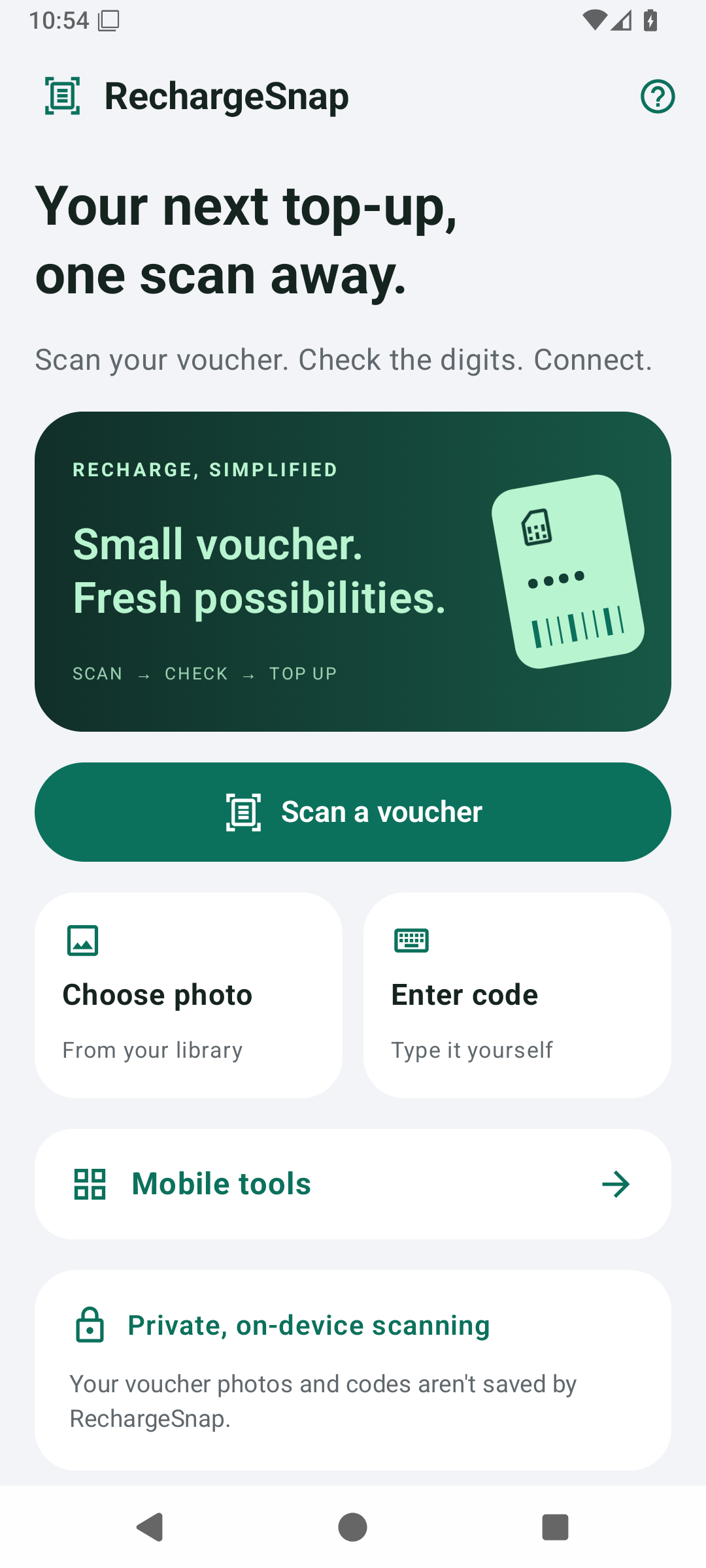
A straightforward flow
Three steps. You stay in control.
01 / SCAN
Capture the digits.
Scan a scratched voucher or select an existing photo. Manual entry is available in the update too.
02 / REVIEW
Check before continuing.
Review the recognized code and correct any digits before you use it.
03 / CONTINUE
Use your phone’s tools.
Continue to your dialer or choose to copy or share. Your operator handles the recharge.
Know what happens
to your data.
In the updated app, voucher recognition runs on your device. Advertising and SDK data practices are explained separately in the privacy policy.
Help with RechargeSnap →